
Question & Answer#
- What is an OS Command Injection vulnerability, and how does it differ from other types of injection attacks?
- An OS Command Injection vulnerability occurs when an application passes unsafe user input to the operating system shell, allowing an attacker to execute system commands. Unlike SQL injection, which targets database queries, OS command injection targets the server’s operating system.
- How can an attacker exploit this vulnerability, and what is the potential impact?
- An attacker can exploit this vulnerability by injecting special characters or commands into input fields that are processed by the server. This may allow unauthorized command execution, file reading or deletion, data theft, privilege escalation, service disruption, or full server compromise, seriously affecting application security and data integrity.
OS command injection, simple case#
1. Lab Objective#
The objective of this lab was to identify and exploit a simple OS command injection vulnerability in the stock checking function of the application. The goal was to execute the whoami command on the server and observe the command output in the HTTP response.
2. Accessing the Lab Application#
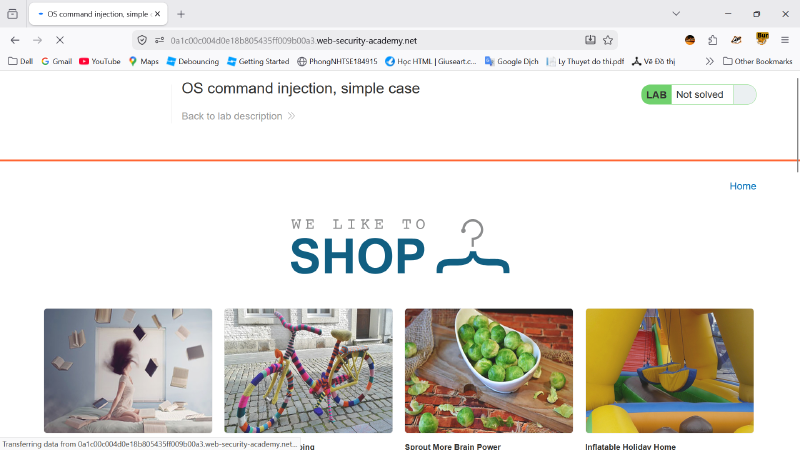
First, I opened the PortSwigger Web Security Academy lab named “OS command injection, simple case”. The lab initially showed the status as Not solved, meaning the challenge had not yet been completed.
I then browsed the shop website and selected a product page. The product page contained a stock checking function, which was the main feature to test for command injection.
3. Capturing the Stock Check Request#
Using Burp Suite Proxy, I captured the HTTP traffic generated by the application. When I used the stock checking feature, the application sent a POST request to the following endpoint:
| |
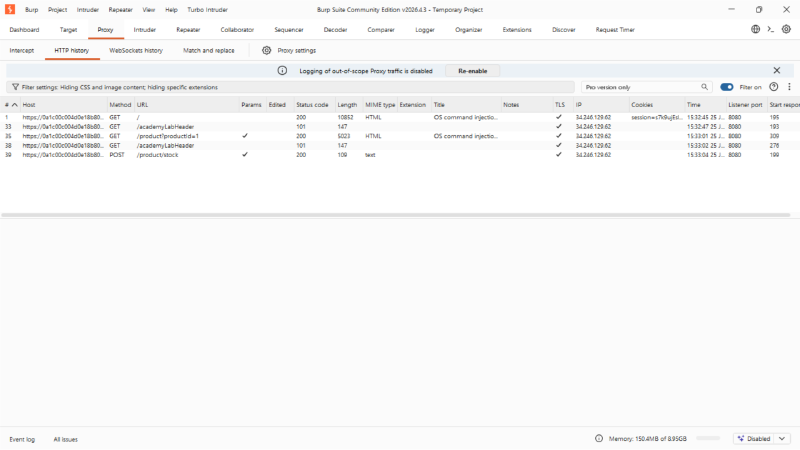
The request body contained two parameters:
| |
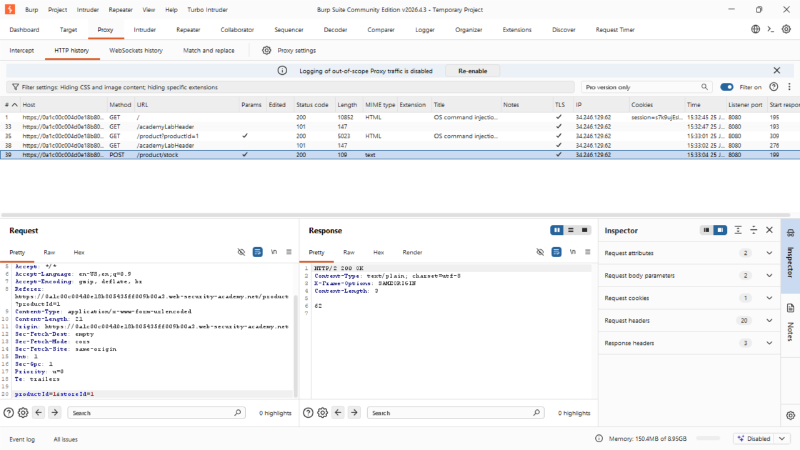
This indicated that the application used productId and storeId to check product stock. I sent this request to Burp Repeater for manual testing.
4. Testing for OS Command Injection#
In Burp Repeater, I modified the storeId parameter by appending a command separator and the whoami command:
| |
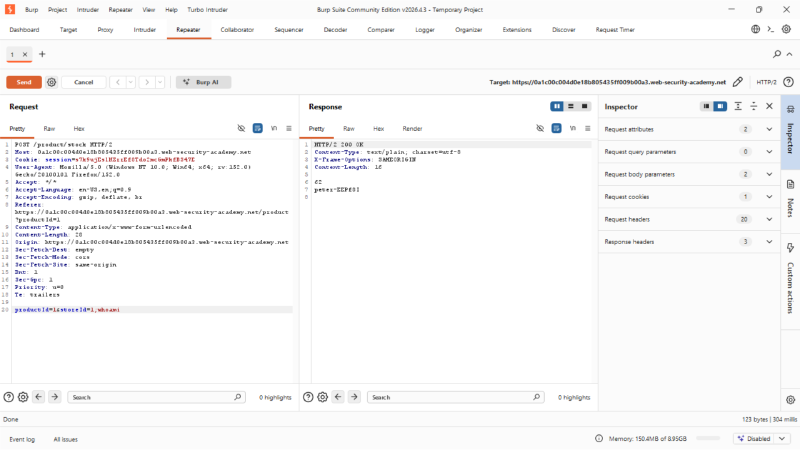
The semicolon ; is used as a command separator in Unix-like operating systems. If the application passes the storeId value directly into an operating system command without proper validation, the server may execute both the original command and the injected whoami command.
5. Observing the Server Response#
After sending the modified request, the server returned an HTTP 200 OK response. The response body included the normal stock value followed by the output of the injected command:
| |
The value 62 was the normal stock result, while peter-EEPf8I was the output of the whoami command. This confirmed that the injected operating system command was executed successfully on the server.
6. Exploitation Result#
Because the server executed the injected whoami command and returned its output in the response, the OS command injection vulnerability was successfully exploited.
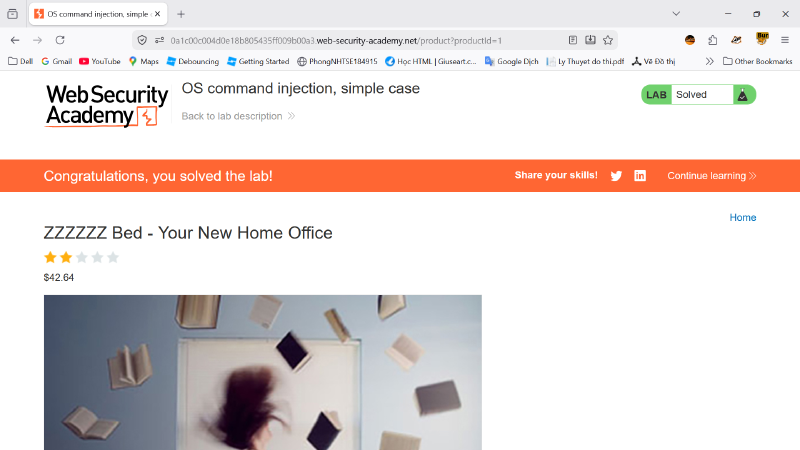
After the command execution was confirmed, the lab status changed to Solved, proving that the challenge was completed successfully.
7. Conclusion#
This lab demonstrated a simple OS command injection vulnerability in the stock checking function. The vulnerability existed because user-controlled input from the storeId parameter was likely passed into an operating system command without proper validation or sanitization. By injecting ;whoami, I was able to execute an unauthorized command on the server and view the command output in the HTTP response.